

Vacancy is a sales problem as much as an inventory problem. When a room flips open, the team needs a list of people who already asked — not a scroll through WhatsApp.
Capture every enquiry on Leads
Bookings → Leads is the pipeline. Summary cards show Open, Contacted, Converted and Total. Tabs filter the same statuses. Each card names the guest, the room and building, rent cycle (monthly / rolling), check-in date, and the quoted amount.
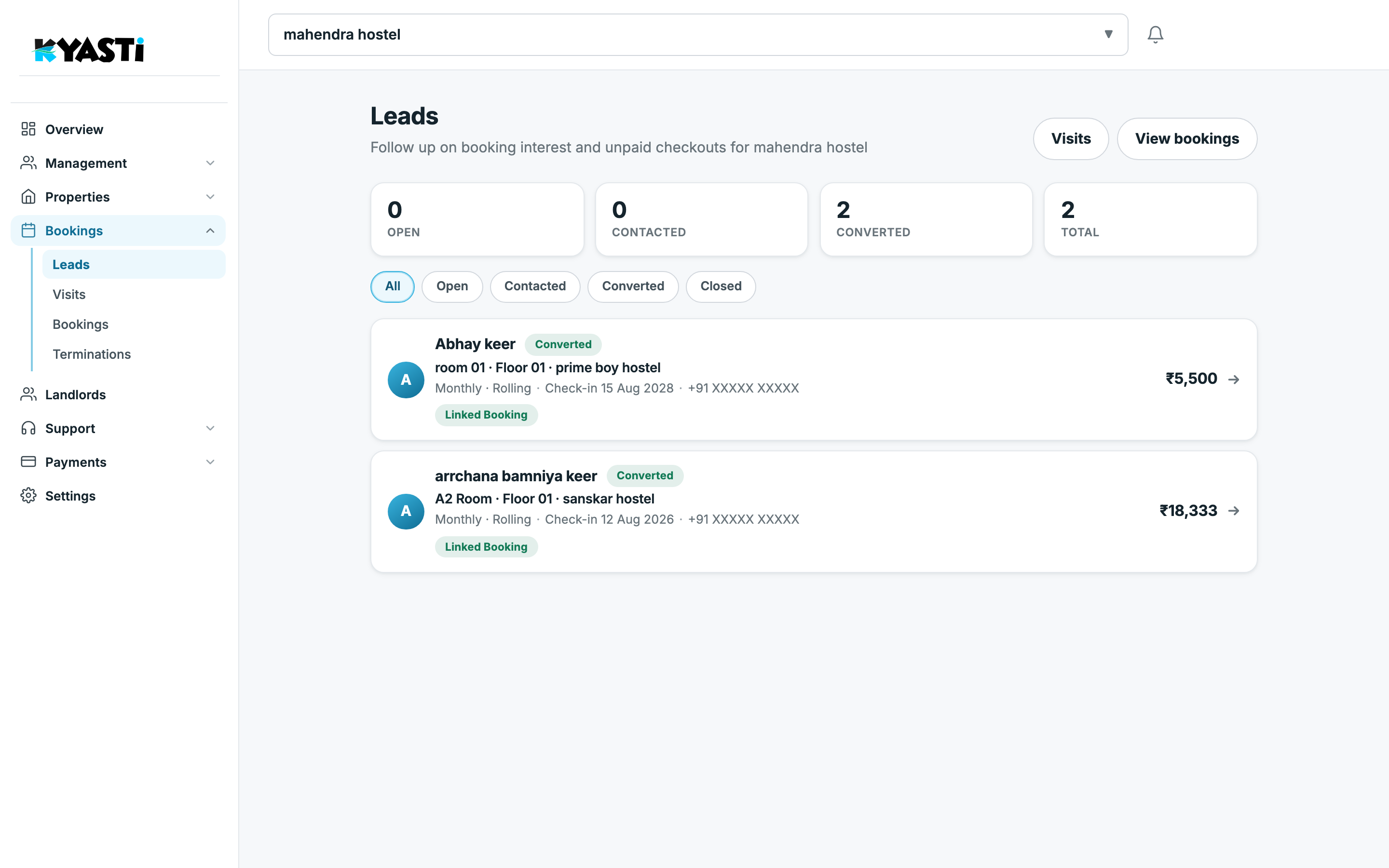
A converted lead is not a dead row. It stays on the list with a Linked Booking tag so you can jump to the stay, rent and KYC. That is how you stop “we already spoke to them” arguments between managers.
Schedule the visit before they go cold
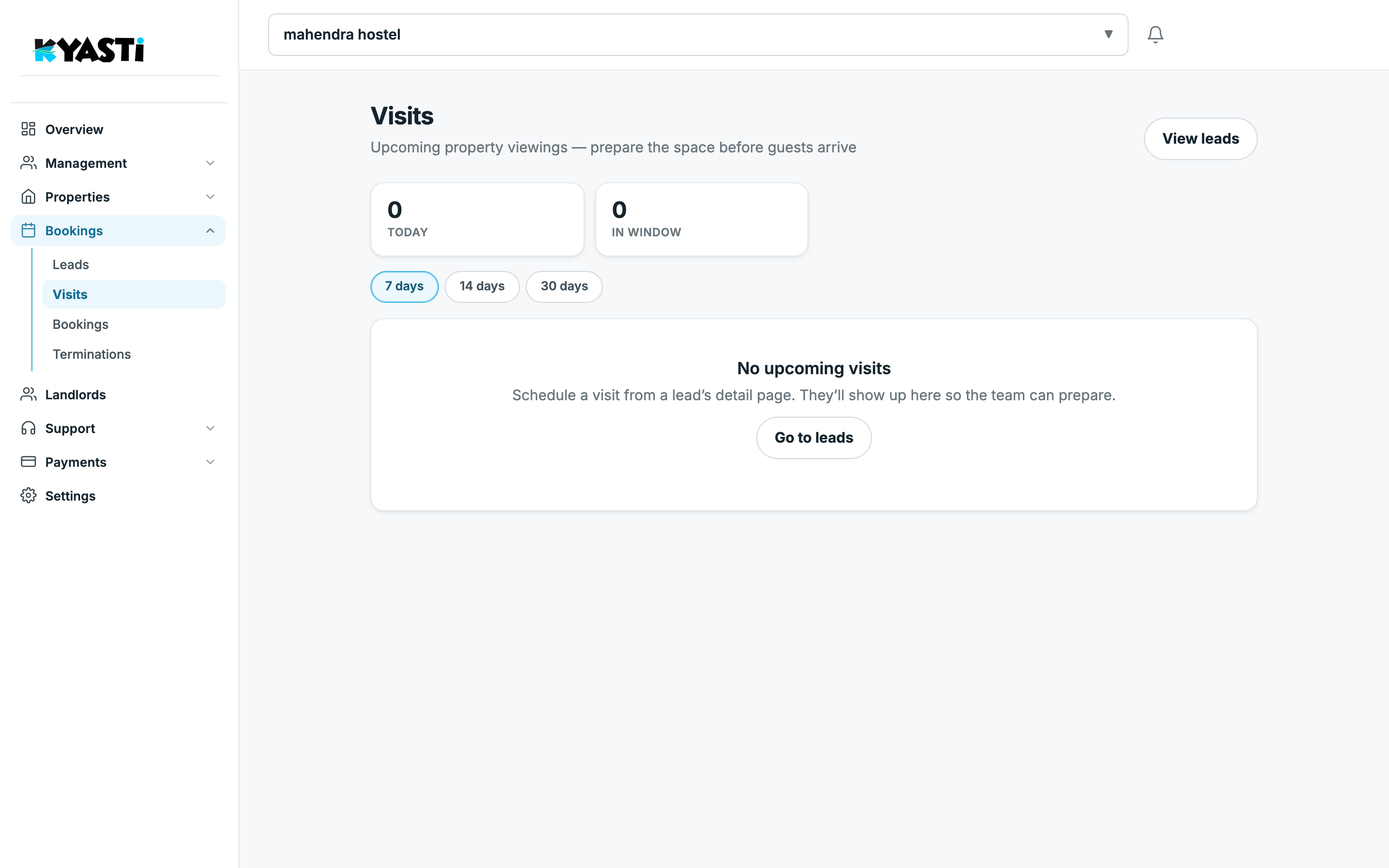
Bookings → Visits lists upcoming viewings. The page is built so staff can prepare the room: who is coming, which space, and how many visits sit in the next 7 / 14 / 30 days. Schedule the visit from the lead detail — it appears here so the person at the gate is not surprised.
Convert without re-typing the stay
From a lead you create the booking: same room, same dates, same rent. The booking inherits the enquiry so finance and KYC do not start from a blank form. After convert, the lead shows Linked Booking and the stay appears under Bookings as Confirmed.
Cold leads that visited and went quiet get a WhatsApp stay offer from Bookings → Campaigns. The message links to the live listing on kyasti.com so they can book without another phone call.
What to measure each week
- Open leads older than 48 hours — call or close them.
- Visits today — Overview also flags this under Needs attention.
- Rooms with “beds open” and zero open leads — you need more enquiry capture, not more software.
Next step
On the demo we will import a sample of your current enquiries and show the lead → visit → booking path on your rooms.