
Most “we will set up later” hostels never get a trustworthy vacancy number. Set the tree up once.
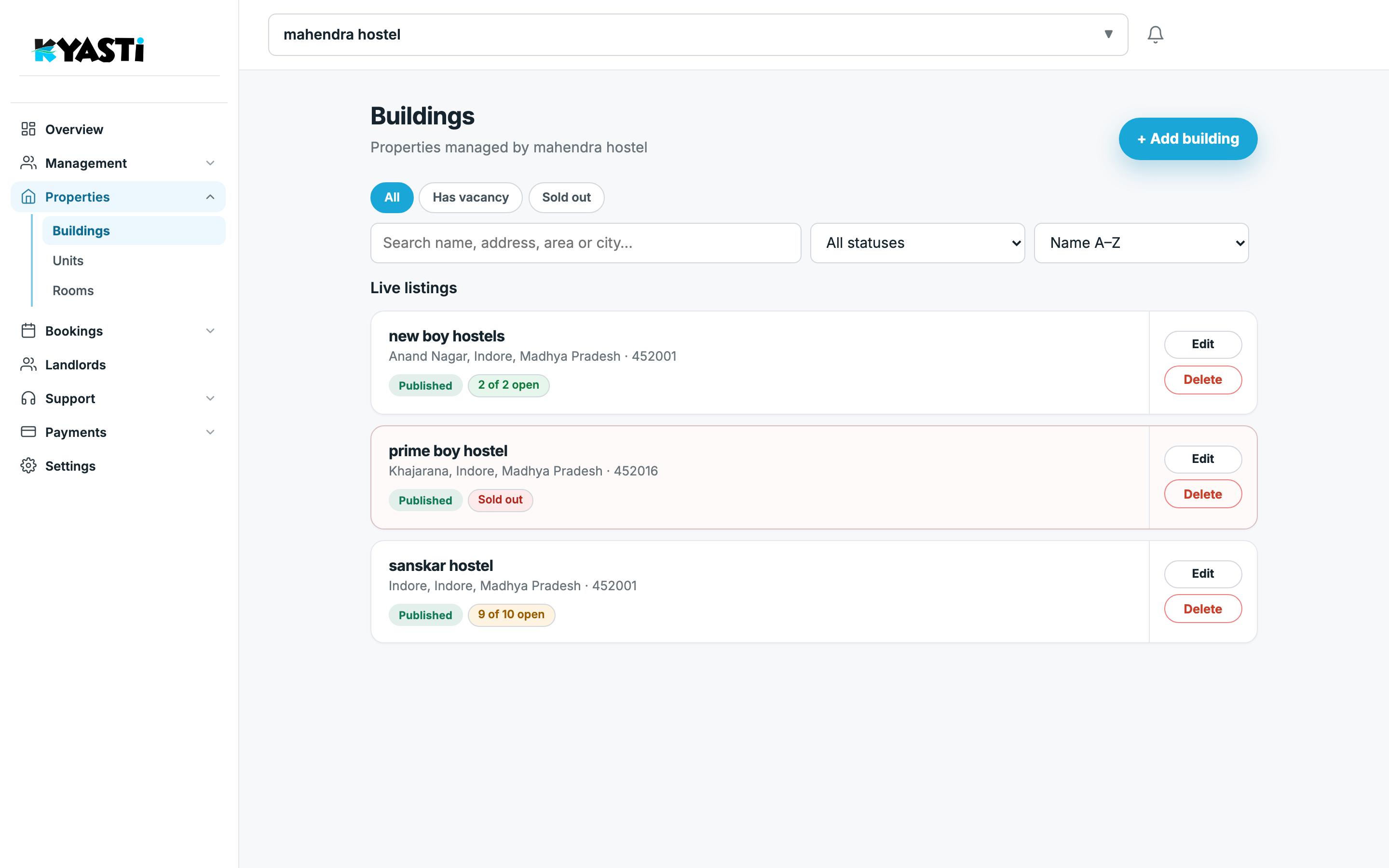
Buildings
Properties → Buildings is the portfolio. Add a building with address and area. Published properties show how many rooms are open. Sold out means you should stop sending visits there until a stay ends.
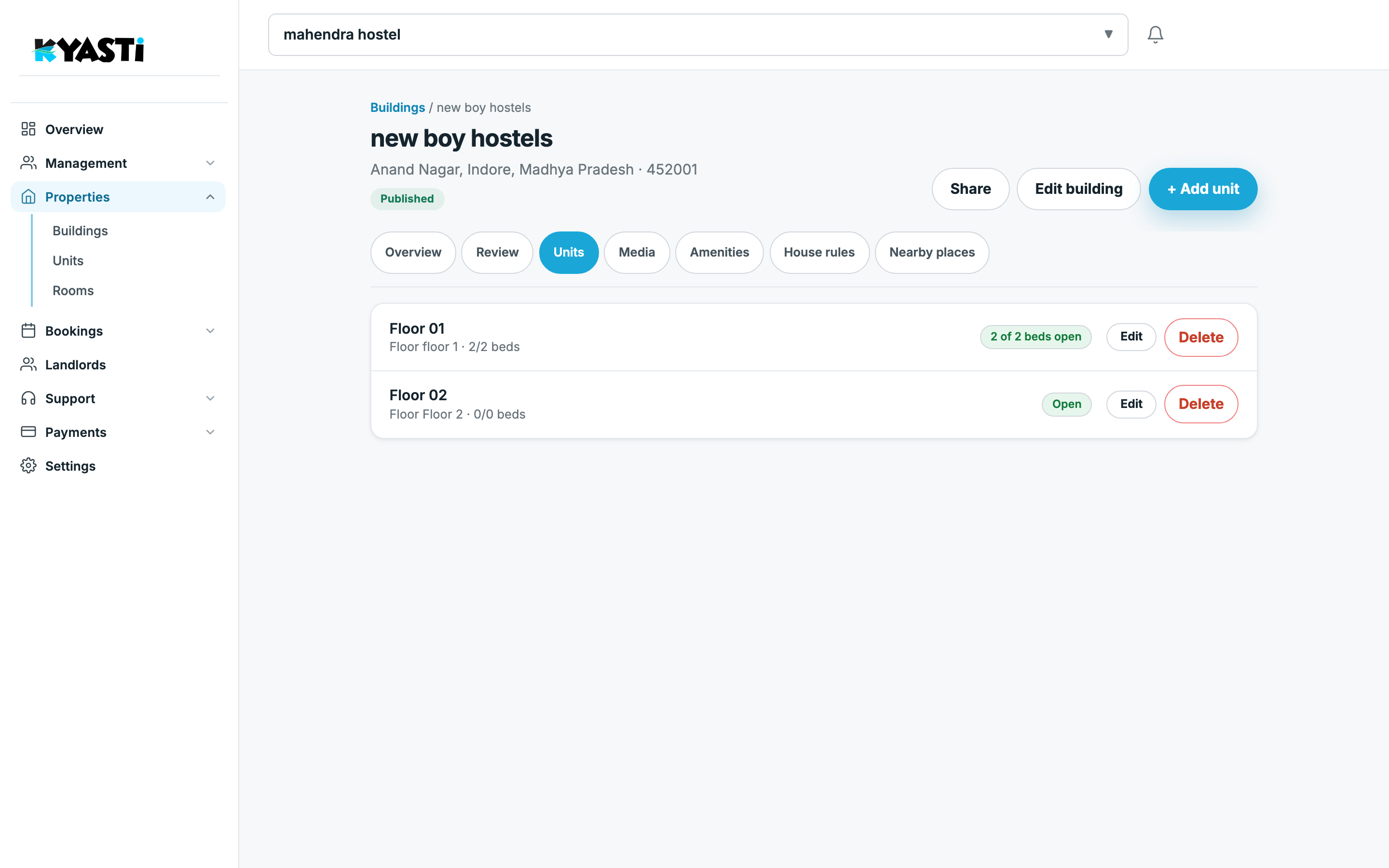
Open a building to work floors and units. Building detail is also where listing and media live when you publish.
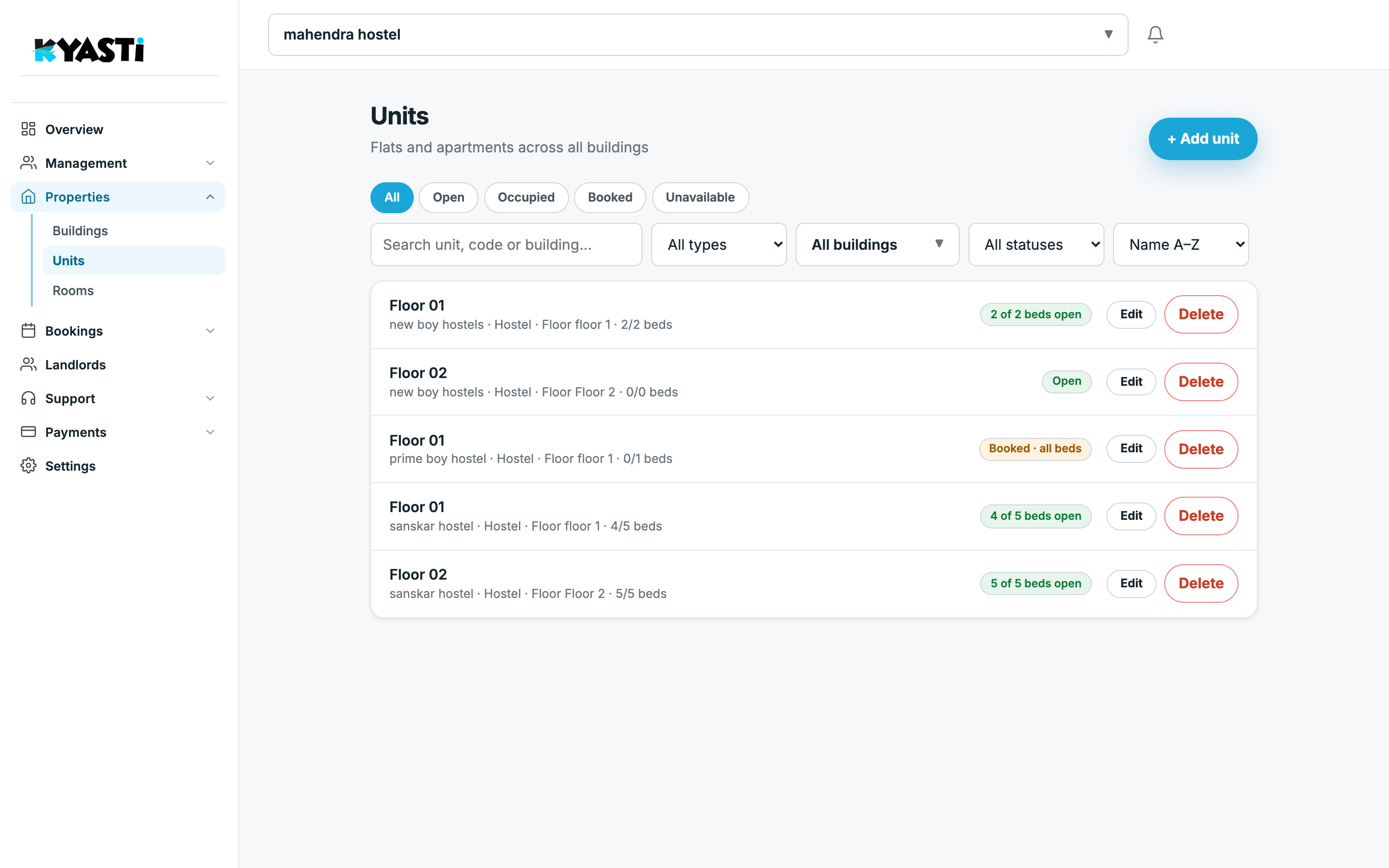
Units (flats and floors)
Properties → Units is the layer for 1BHK / 2BHK and floor-wise PGs. Hostel operators still use it when a floor is rented as a unit. Flat owners live here more than on Rooms.
Rooms and beds
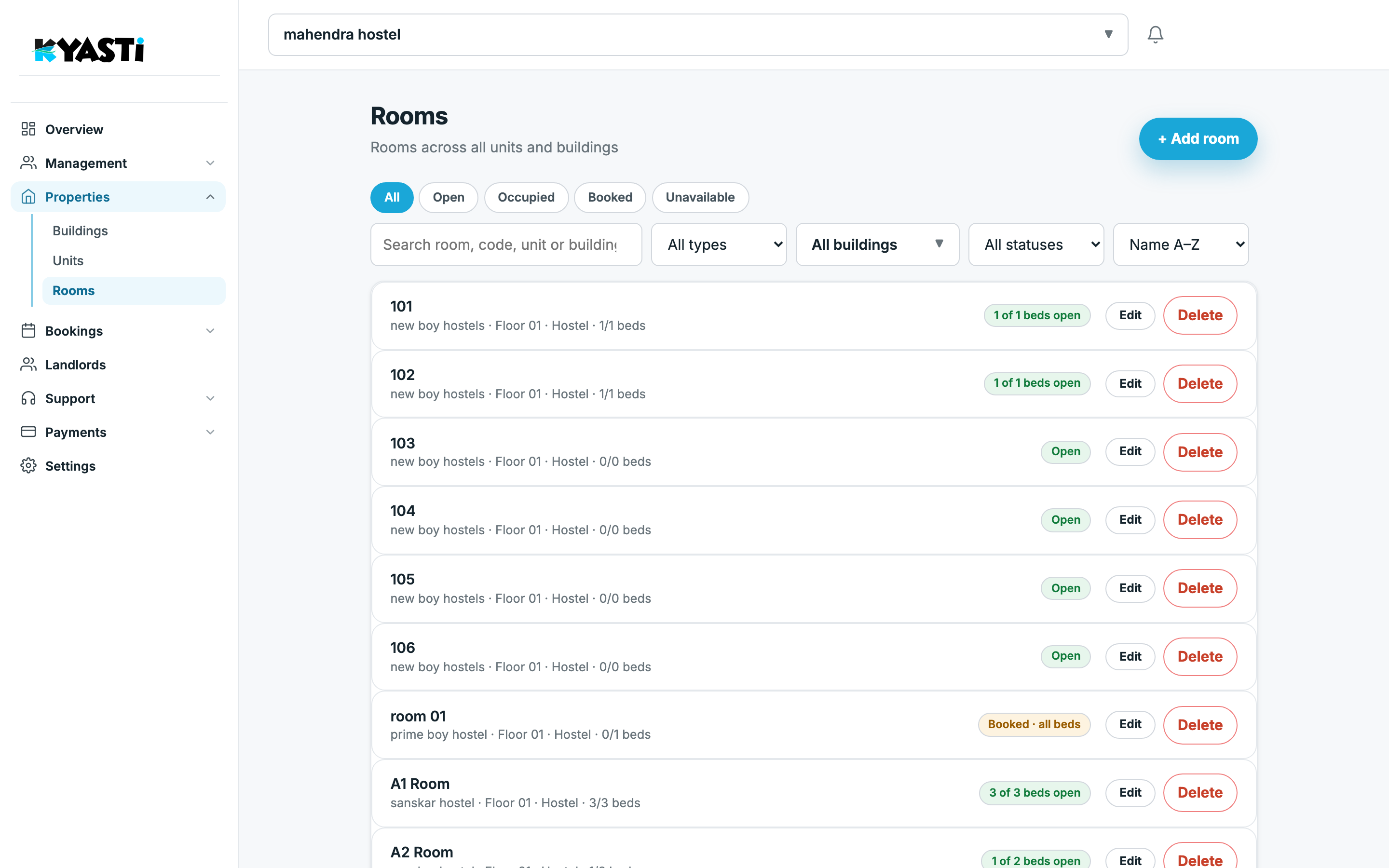
Properties → Rooms is what hostel sales should watch daily. Each row: room name/code, building, floor, type, beds (1/1, 3/3), and status (open, booked, occupied). Add room or bulk-create hostel rooms from a unit when you are onboarding a new floor.
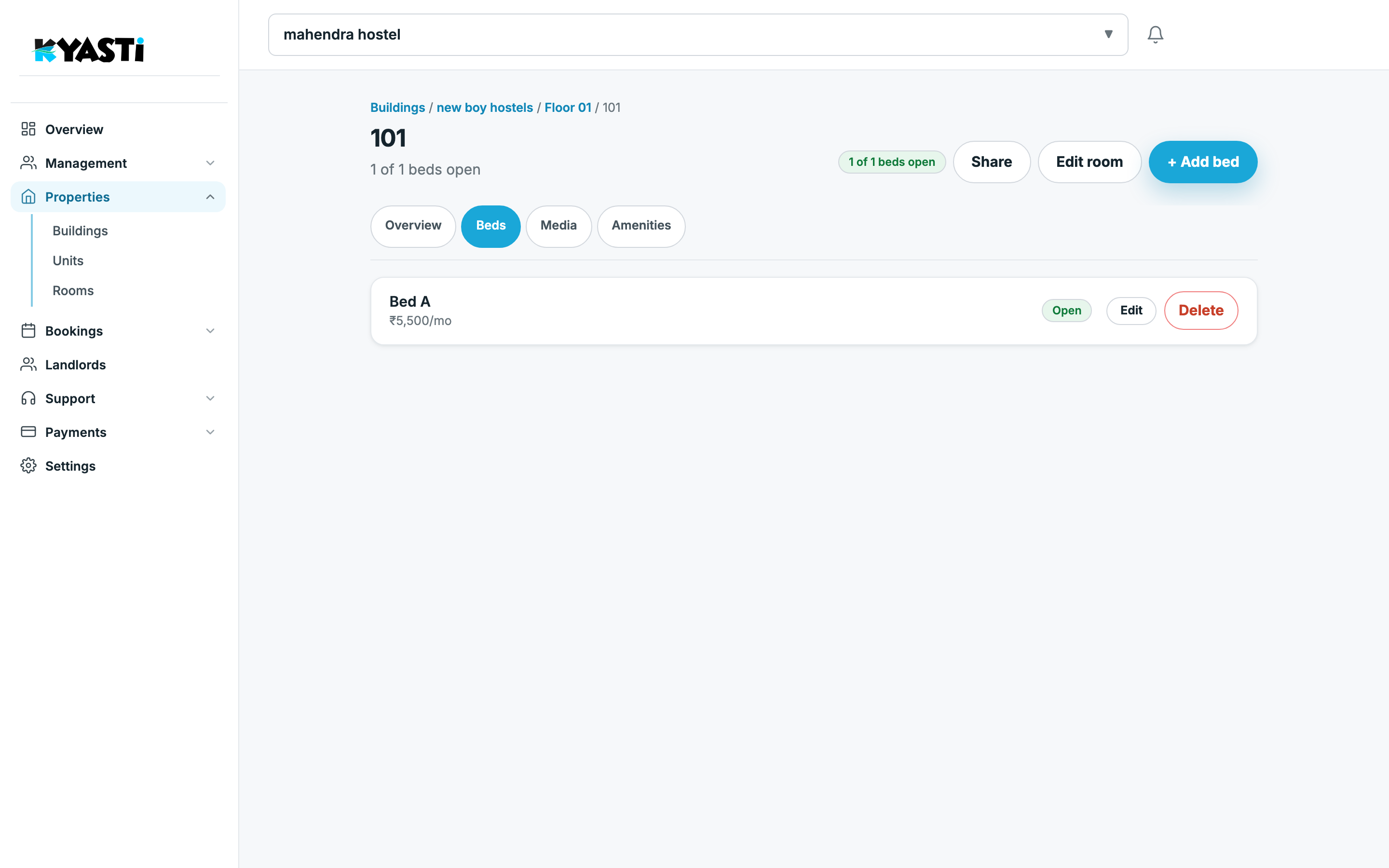
Room detail holds the beds themselves — add or edit a bed, see which stay is on it.
Next step
On the demo we map one real building: floors, a mix of hostel rooms and one private unit, so you see both lists stay in sync.